
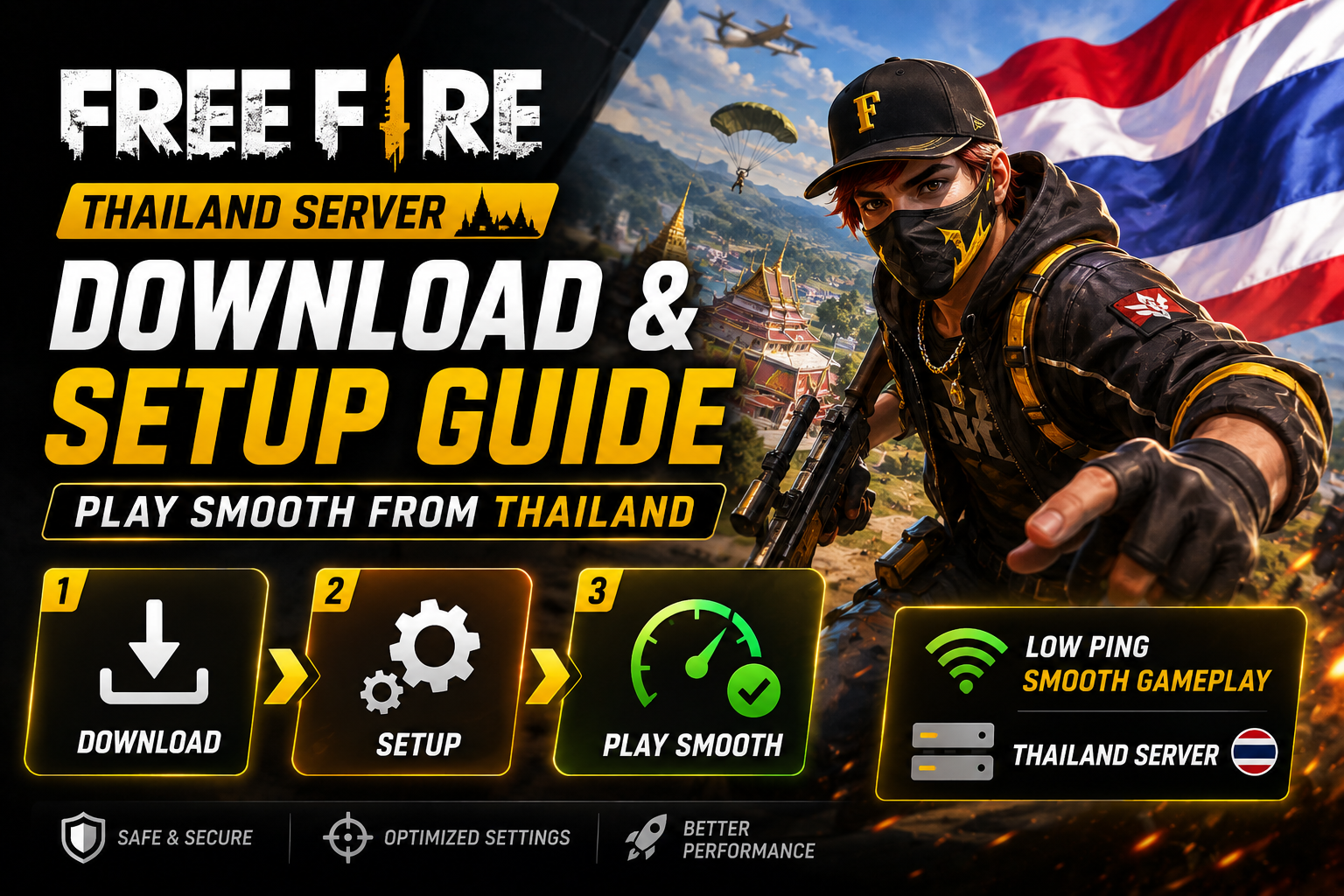
The first thing many Thai players wonder before installing is whether the Free Fire Thailand Server is something you pick yourself, whether playing from Thailand means high ping, and what to set up so the game runs smoothly. This guide answers all of that in one place, from the truth about servers in Thailand, preparing your device, the steps to download the correct version, setting language, account and region, to tips for lowering ping and a table for the issues players hit most. Read to the end and you can follow along step by step, ready to drop in and chase that Booyah with confidence.
Does Free Fire have a separate Thailand server
To be clear, Free Fire in Thailand has no button to pick a Thai server yourself like some PC games, because the game is operated by Garena, which serves all of Southeast Asia and matches players by region and connection automatically. In short, once your account region is set to Thailand and you connect from inside the country, the system places you with players in a nearby zone, so your ping stays naturally low. What Thai players should focus on is not hunting for a secret server, but installing the right version, setting up the account well, and handling your connection and graphics to suit your device.
What to prepare before installing
Before downloading, get these three things ready so the install finishes in one go without hiccups. First, at least 2 to 3 GB of free space, since the game downloads extra data on first launch. Second, an account to link the game to, such as Google, Facebook or Garena, ready to log in. Third, a stable internet connection, whether strong Wi-Fi or steady 4G/5G mobile data. With those ready, you are set for the install.
Download the correct Free Fire version step by step
For the safety of your account and device, download only from official stores. On Android, open Google Play, search for Free Fire, pick the app listing Garena as the developer, and install. On iOS, open the App Store and do the same, choosing the version with Garena as the developer. Once installed, keep the game open on first launch so it can finish downloading extra data, and it is best to charge and stay on Wi-Fi while it does.
One key warning: never download APK files from sites outside the stores, since they risk both malware and a permanent account ban. If you find a site claiming to be a special Thai version or to unlock features, assume it is unsafe and skip it.
Set language, account and region before you play
Once you are in, handle three things before your first real match. First, language: go to settings and pick your language so menus and missions are easy to read. Second, account: link to Google, Facebook or Garena from the start and do not play as a pure Guest, since that data can be lost when you change phones or delete the game. Third, account region: set it to match where you actually are in Thailand so the system matches you in the nearest, lowest ping zone. If you set the wrong region at signup, you can fix it on your profile page.
Lower your ping for smooth, lag-free play
If you hit delay or stutter, adjust one thing at a time and measure the result to find the cause. Start with strong Wi-Fi close to the router, or switch to steadier 4G/5G mobile data. Then close background apps and other downloads while playing, since they steal bandwidth and power. Next, tune graphics to your specs, with mid-range phones best on Smooth or Standard for a stable framerate rather than pushing the highest settings. Finally, turn on the in-game ping display while you play. If ping spikes only at times, it is usually the network, but if the picture stutters even at low ping, the issue is usually graphics or the device.
Common problems and fixes
Here are the most common issues for Thai players with fixes you can apply right away.
Issue | Fix |
Download stuck or won't finish | Free at least 2 to 3 GB, restart the device, then switch to another Wi-Fi or mobile data |
Can't log in or account missing | Use the channel you first linked (Google, Facebook, Garena) and update to the latest version |
High ping or lag | Use a strong connection, close background apps, and drop graphics to Smooth or Standard for a stable framerate |
Game crashes on launch | Clear the game cache, turn off aggressive battery savers, and check your device meets the minimum specs |
Long matchmaking | Play during peak hours and make sure your account region matches where you actually are |
Conclusion: set it up once, play smoothly for good
In short, the answer to the Free Fire Thailand Server question is that Thailand has no separate server to choose, but Garena matches players by region automatically. So the key to playing smoothly from Thailand is not hunting for a secret server, but installing the correct version from an official store, fully setting language, account and region, then handling your connection and graphics to fit your device.
If you still get high ping or stutter after setting everything up, work through the table above one step at a time. Most problems end with a steadier connection or a small drop in graphics. Investing in a good connection beats risking a pirated version that claims lower ping, since it does not help and can get the account you worked on banned.
Follow this guide fully and you will set the game up in one pass without coming back to fix it. If you have your own ping tricks, share them with friends, and for more Thai-focused guides on servers, prices and release dates, keep reading at countrycourt.com. See you out there for the Booyah