

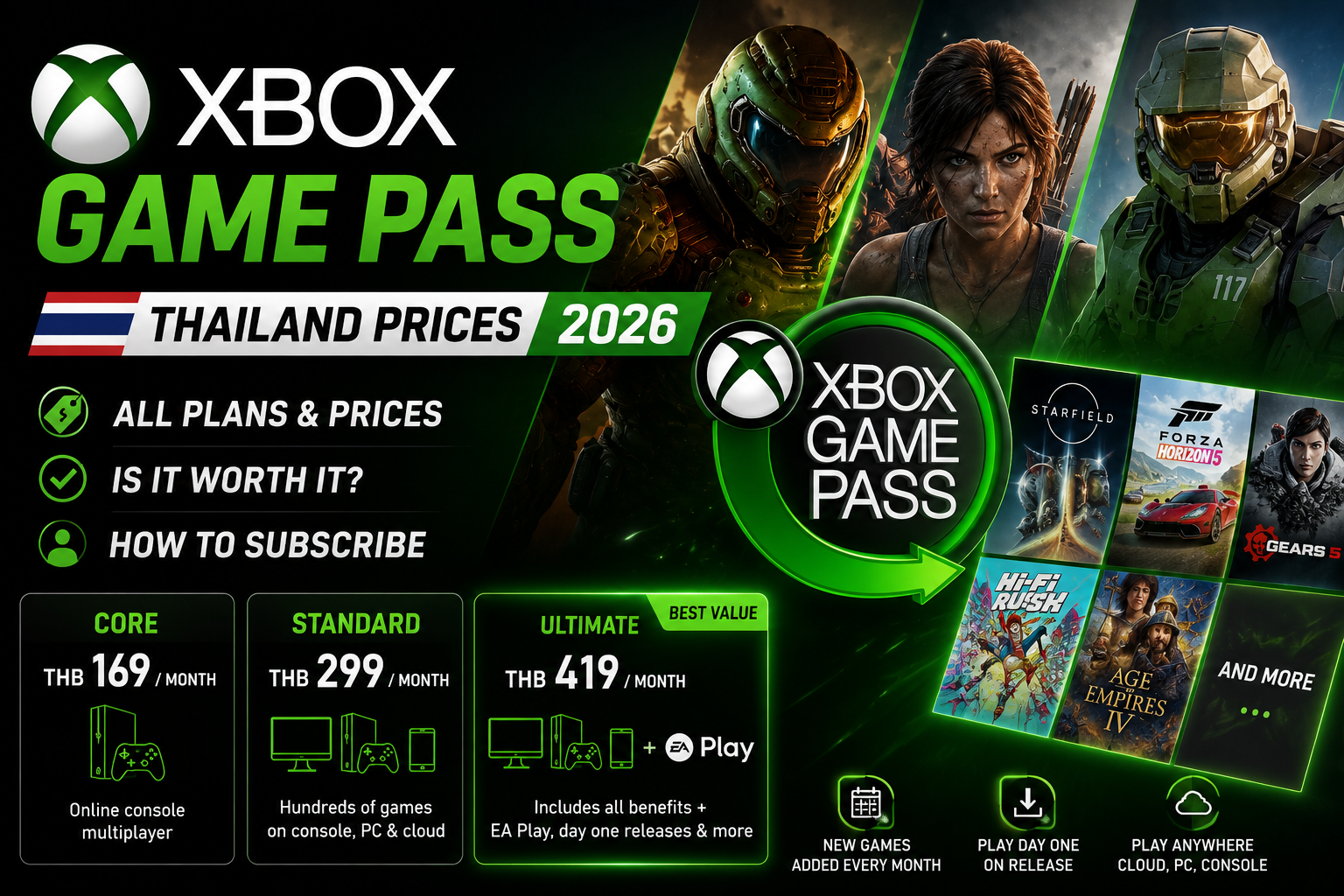
If you are thinking of subscribing to Xbox Game Pass and want to know the xbox game pass price thailand 2026 for each tier and which is best value for how you play, this article sums it all up. After Microsoft restructured the tiers, many people are confused about how many there are and how they differ. We will walk through the price of every tier, what each level gives, which is best value for Thai players, and how to subscribe step by step. By the end you can decide which tier is most worth it.
How many Xbox Game Pass tiers are there and the price
Xbox Game Pass is currently split into several tiers by usage level. Here is a summary of the prices and highlights.
Tier | Price / month (approx) | Highlight |
Essential | about $9.99 | Entry tier, a base library plus online multiplayer |
Premium | about $14.99 | A larger library and more perks than Essential |
PC Game Pass | about $13.99 | For PC, day New game, first day. plus EA Play |
Ultimate | about $22.99 | Everything: New game, first day., Cloud Gaming, EA Play, on PC and console |
The prices shown are approximate from US dollar conversion. Official Thai prices may differ, so check the official Xbox signup page (Thai baht prices not officially confirmed here). The exact perks per tier may change, so check the official page before subscribing.
What each Xbox Game Pass tier gives you
Essential is the entry tier with a base library and online multiplayer, good for trying it out. Premium gives a larger library and more perks. For PC players specifically there is PC Game Pass, with day one games on PC plus EA Play. The top tier is Ultimate, which bundles everything, including day one games, Cloud Gaming, EA Play, and play on both PC and console under one account.
Which Xbox Game Pass tier is best value for Thai players
By value for what you get, Ultimate is the best for serious players who own both a console and a PC, since you get day one games and cross device play. But if you only play on PC, PC Game Pass is better value at a lower price. For people who play less often or want to try first, the cheaper Essential tier does the job. So the best value tier depends on what devices you play on and how often.
How to subscribe to Xbox Game Pass from Thailand step by step
Subscribing to Xbox Game Pass from Thailand is very easy. Just follow these steps.
Go to the official Xbox Game Pass signup page, or open the Xbox app on your console or PC
Log in with your Microsoft account
Choose the tier you want, such as Ultimate or PC Game Pass
Pick a payment method, such as a credit card or an Xbox gift card, and confirm
New members often get a special first month price, so check before subscribing for the best value.
Conclusion: who is Xbox Game Pass in Thailand worth it for
Overall, the xbox game pass price thailand 2026 offers several tiers for different budgets and play styles, from the cheap Essential to the all inclusive Ultimate. If you play on both console and PC and want day one games, Ultimate is the best value, while pure PC players can choose PC Game Pass.
What you should do before subscribing is assess what devices you play on and how often, then pick the matching tier so you do not overpay. And always check the official Thai price and any first month promotion before you sign up.
If you pick the tier that fits how you play, Game Pass is excellent value for people who enjoy a variety of games, since you get to play a lot for an affordable monthly price. Enjoy the huge Xbox Game Pass library.